Update Trading Partners
To update trading partners, set the ‘Trading Partner upload Action’ and/or ‘Trading Partner Item Relationships Upload Action’ column value to ‘Update’. You do not need to enter ‘Update’ for both columns if you are not updating both sections. Only set ‘Update’ for the section you are updating. Please refer to the Uploading section for more information on how to upload the Update action.
To carry out an Update to the existing records, More4apps recommend downloading them first on the sheet. Refer to the Download Trading Partner section for more information on how to download.
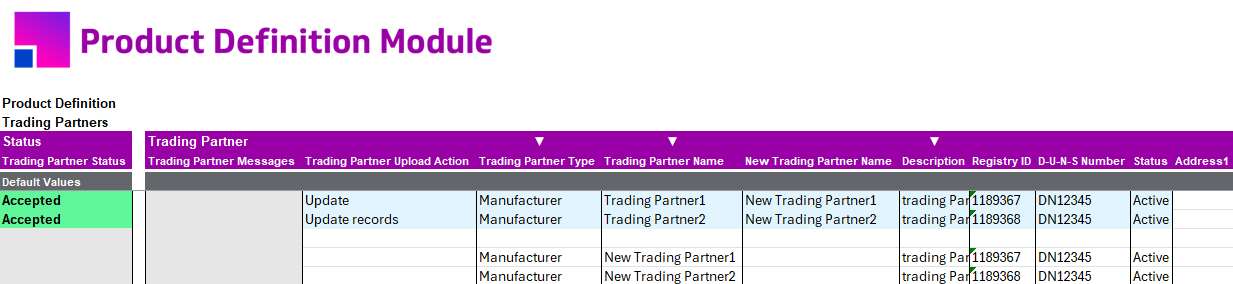

Updating Trading Partner Item Relationships Section
To update the Trading Partner Item Relationships section, ensure the following:
Trading Partner Type and Trading Partner Name must be present on the sheet from the Trading Partner section. The Trading Partner Item from the Trading Partner Item section must also be included.
