Login
-
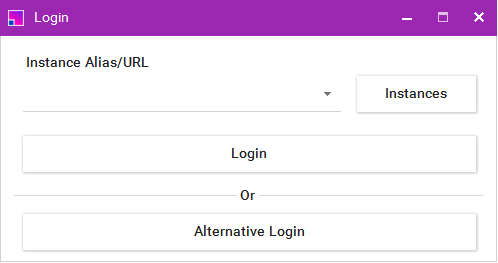
To log in to the More4apps Add-in, click the Login/Logout Ribbon button which will open the Login form.

-
Select an instance from the dropdown list on the form.
If you do not have any URLs in your list, see the Managing your Instance List section. 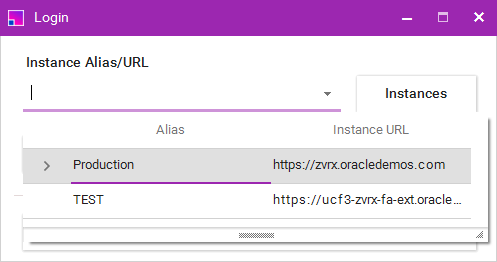
-
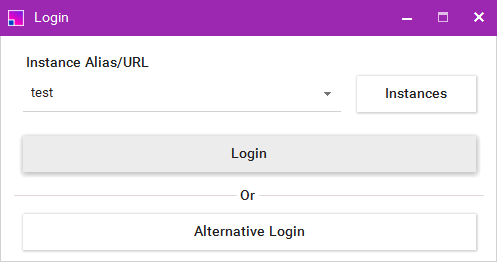
Click Login.
-
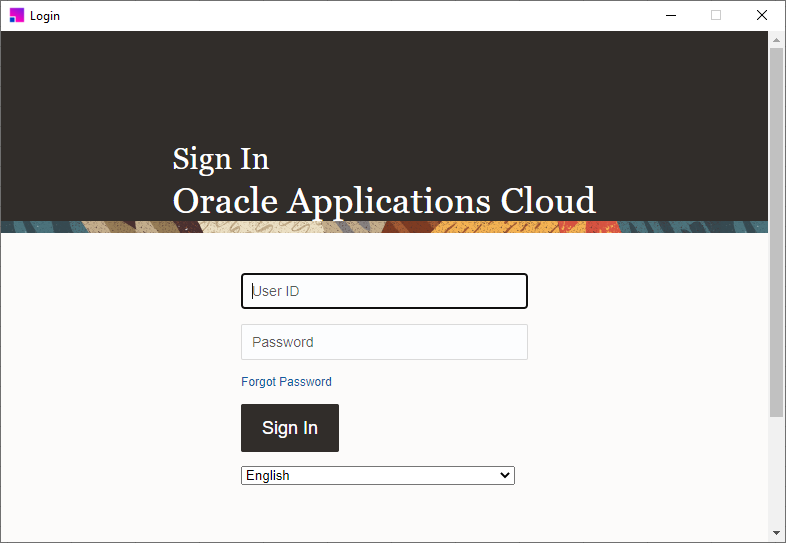
You Oracle Cloud instance login page will appear, enter your same credentials/SSO details as you would do if you were in Oracle.