Importing Job Roles (Optional)
All More4apps products use Oracle web services and therefore adhere to the Oracle security model.
This final step allows you to import predefined More4apps Job Roles containing the recommended Oracle privileges required for the More4apps Integrators to function(this will not assign roles to any users). This step is highly recommended when getting started, but remains optional.
To see what would be imported, review each Modules Getting Started > Integrator Privileges section of the its User Guide.
| Oracle does not allow the deletion of custom job roles. Please keep this in mind when importing roles. In addition, this import will not assign roles to users you will need to assign them in the Oracle UI, see the Assigning Privileges page for details. |
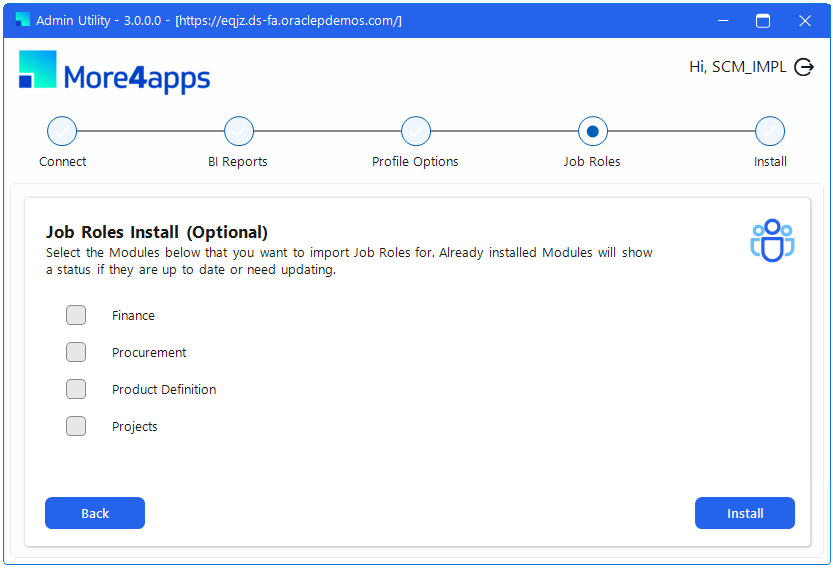
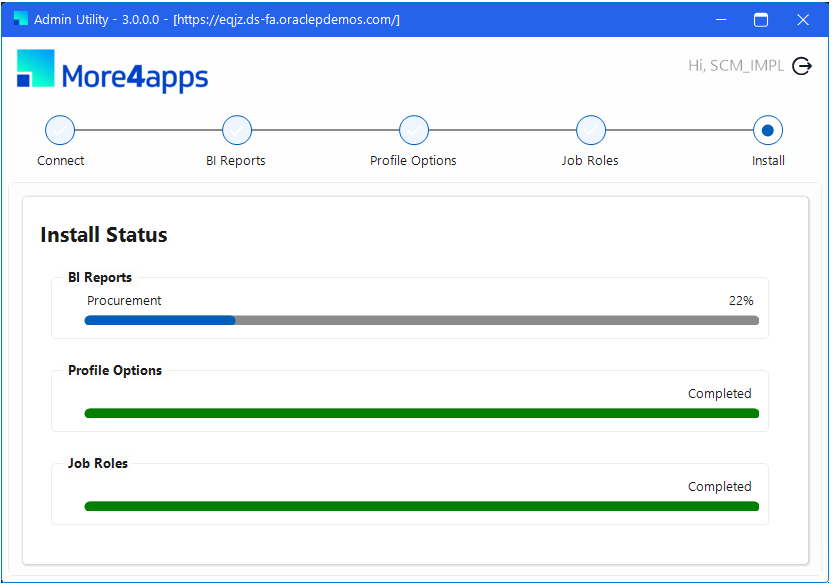
Select the required modules using the checkboxes, then click Install to begin the import process. A screen will display the selected import tasks and their progress. Once all tasks are complete, the server-side configuration is finished and the Utility can be closed.