Importing BI Reports
After logging in, the Utility Tool automatically checks what is currently installed on your instance. Based on your setup, the Utility will show what Modules BI Reports either need updating, do not exist or are up to date.
| BI Reports are backwards compatible and won’t impact other users using older versions, provided they are not manually deleted from the instance. |
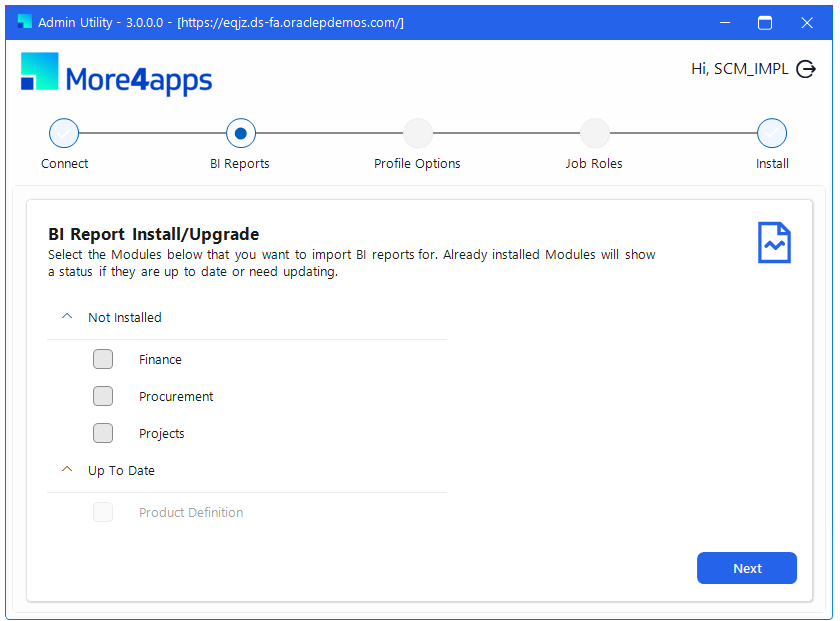
Select the Modules you wish to import using the check boxes then click 'Next' to proceed to the Importing Profile Options Page →.
| If you require manual importing, or run into any issues, you can manually import the BI reports following the instructions on the Manually Importing BI Reports page. |